
Thermostat Not Working? Find Your Symptom
Blank screens, a silent furnace, wrong readings, mode mix-ups and Wi-Fi drops, sorted by symptom.

The short answer: A thermostat not working is usually a power, settings or placement problem, not a broken furnace. Put in fresh batteries, set the mode to Heat with the setpoint a few degrees above room temperature, and check that no schedule or hold is overriding you. If the screen shows it is calling for heat and the furnace stays silent for more than 10 minutes, call a technician.
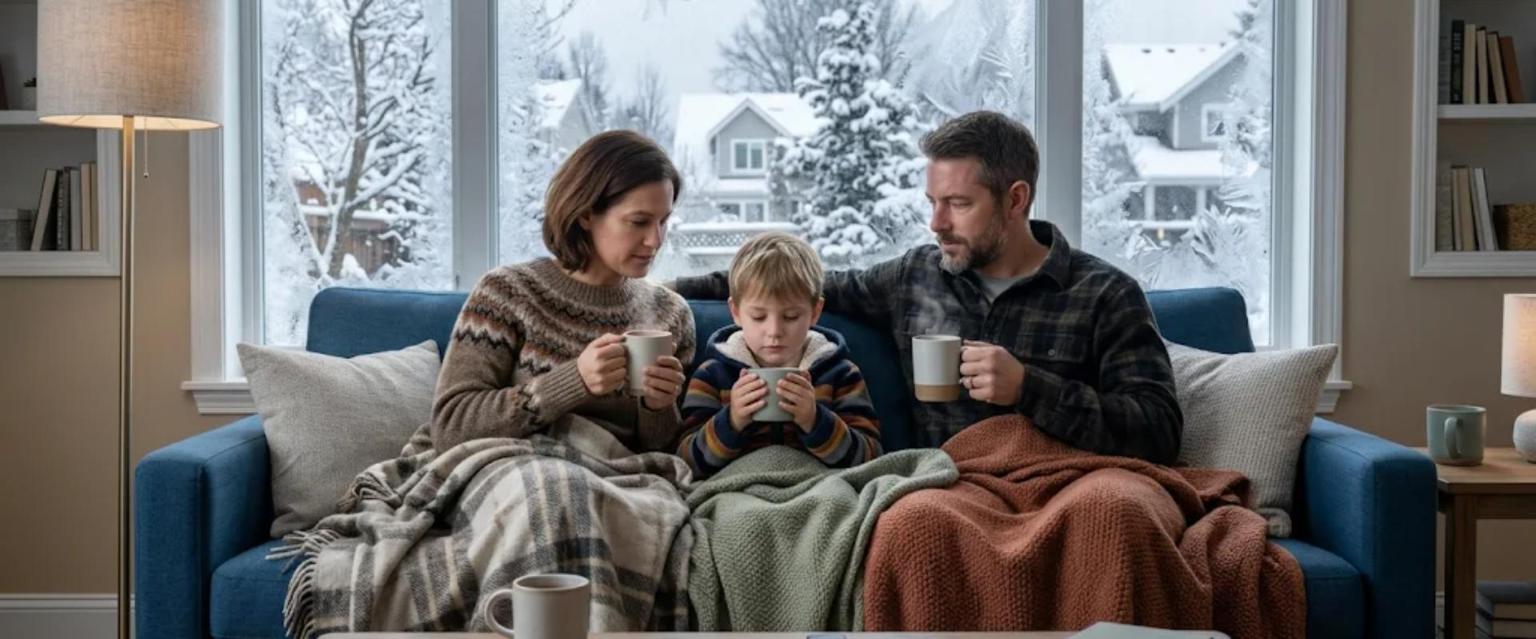
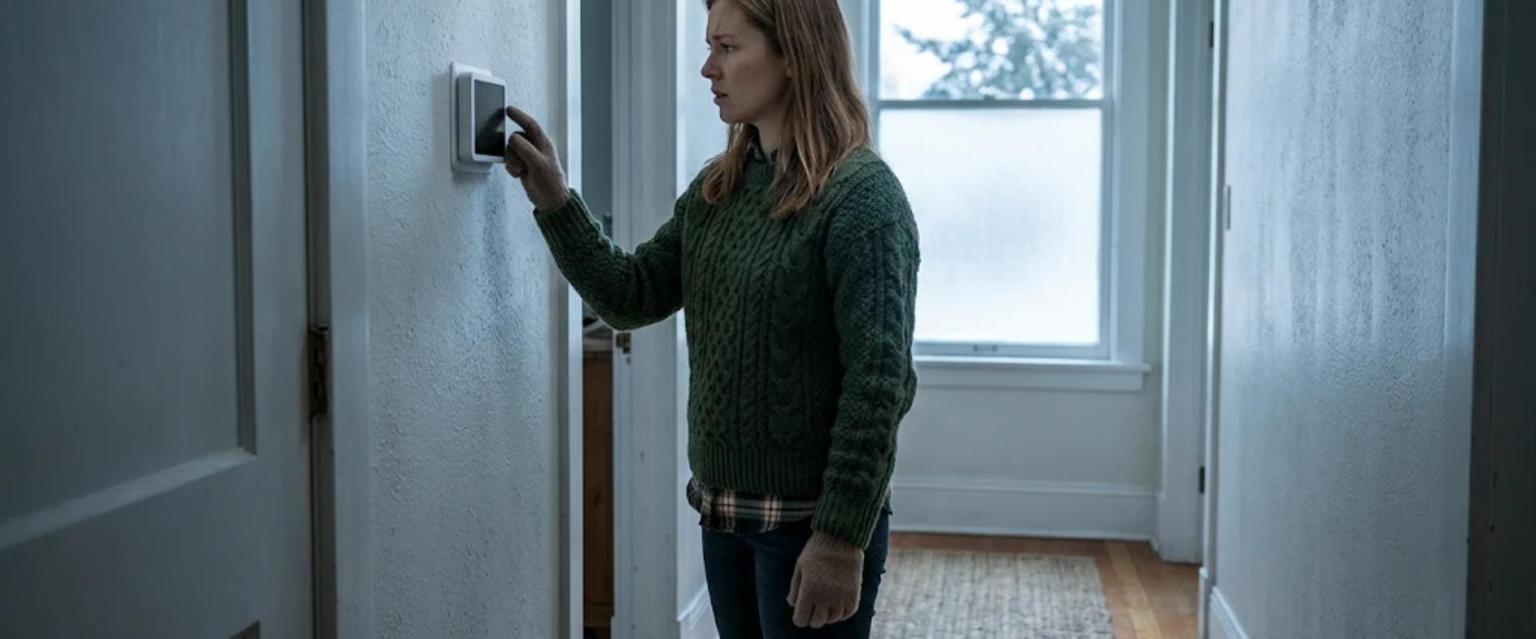
The first cold night arrives, the house feels chilly, and the wall display is blank or wrong. Finding your thermostat not working in an Ontario winter is stressful, but the fix often takes minutes. The thermostat is only a switch that tells your furnace or heat pump when to run, so a dead battery or a bumped setting can look exactly like a heating breakdown.
This guide is organized by what you see on the wall. Pick your symptom, try the safe checks, and stop as soon as a step involves wiring, the inside of the furnace or gas. Or skip ahead and book a repair visit online.
What is your thermostat doing?
Tap the closest match to jump to the right checks.
Not sure? Start with the 7-point check, then see repair or replace and the FAQ.
The 7-Point Check for Any Thermostat Not Working
Work through these in order. Each step is safe for any homeowner.
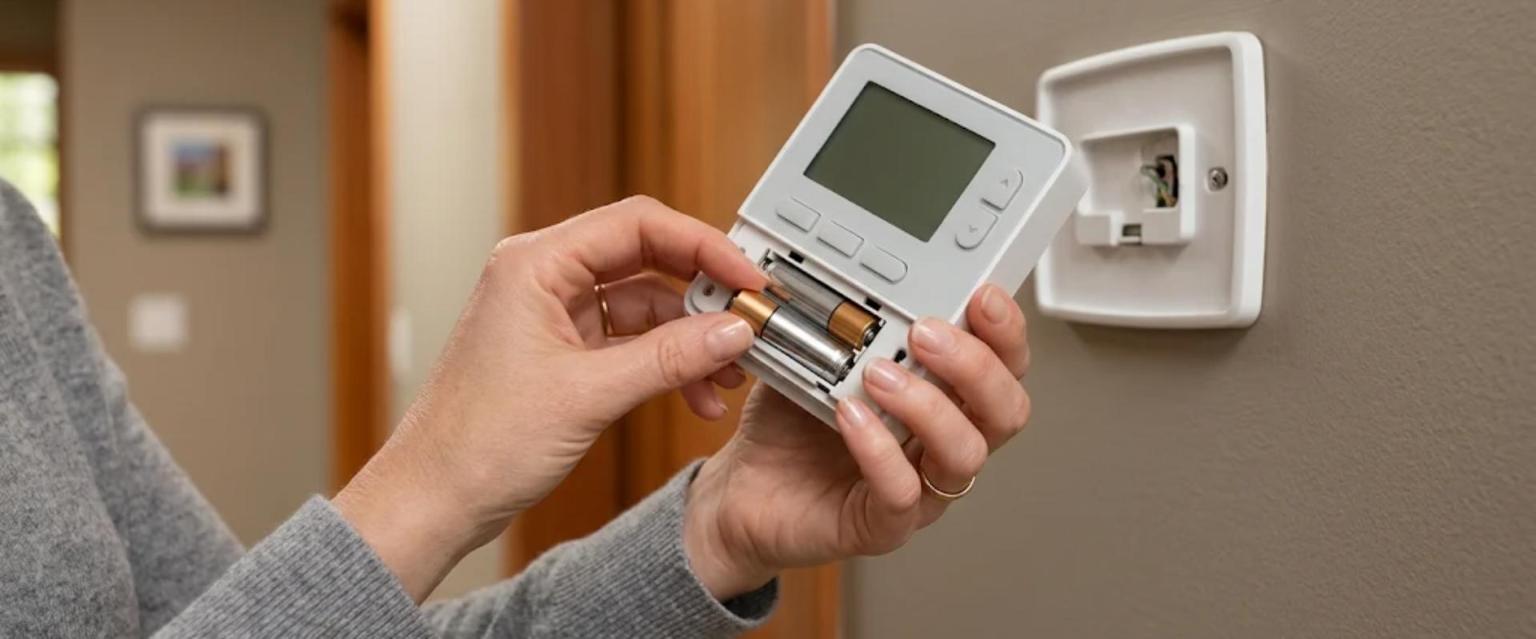
- Fresh batteries. Swap them even if the screen still lights, since weak batteries can stop the thermostat from signalling the furnace.
- Mode set to Heat, not Off, Cool or Auto.
- Setpoint 2 to 3 degrees above the current reading, so there is a clear call for heat.
- No hold or vacation mode overriding your change.
- Five minutes of patience. Many systems build in a short delay before starting again.
- Furnace door seated. A door safety switch keeps most furnaces off when the front panel is loose. Check that it sits flat, but do not remove it.
- Power, look only. Look, without touching, at the furnace breaker and the light-style service switch near the furnace. If either is off or tripped, call a technician to find out why.
Thermostat Not Working With a Blank Screen
Some thermostats run on batteries and others draw low-voltage power from the furnace, so a blank screen means one side has lost power.
Screen On, but the Furnace Will Not Respond
When a thermostat not working still has a normal screen, check for a small flame icon or the words “Heat On.” That clue tells you which side to focus on.
Thermostat Reading the Wrong Temperature
Sometimes a thermostat not working right is simply measuring the wrong air. It only senses the spot where it is mounted, so watch for:
- Afternoon sun warming the sensor, so the heat shuts off while the house cools.
- Cold drafts from an exterior door, window or stairwell that make the furnace run too long.
- Hidden heat from a lamp, TV, kitchen or nearby supply register.
- Wall air leaking through the hole behind the base, especially on outside walls.
To test it, set a room thermometer beside it for 15 minutes. About a degree of difference is normal. If other rooms stay cold, read why one room is colder or hotter than the rest. Relocating a thermostat is a job for a technician.
Settings, Schedules and Mode Mix-Ups
Plenty of calls about a thermostat not working end with a setting doing exactly what it was told:
Fan set to On, not Auto
The blower runs nonstop and pushes unheated air between cycles, which feels cool at the vents.
Temporary hold
It ends at the next program period, so your change seems to disappear.
Settings lost after a reset
Some models return to factory defaults, including the equipment type. If you are unsure whether to pick furnace or heat pump, call rather than guess.
Once the settings are right, choosing the temperatures is covered in our recommended thermostat settings for your home guide.
Smart Thermostat Not Working on Wi-Fi?
A smart thermostat not working on Wi-Fi rarely means you lose heat. Most smart models keep running their last schedule from the wall even when the app says they are offline, so check the display first.
- New router or password. Reconnect through the thermostat's Wi-Fi menu.
- Network band. Many smart thermostats only join a 2.4 GHz network, so check the app's help section if your router combines bands.
- Weak signal. A mesh point or extender closer to the thermostat often helps.
- Unsteady power. If the display restarts or drains its battery, the wiring may not supply enough power. A technician can add a common wire or power adapter safely.
Natural Resources Canada notes that smart thermostats learn your preferred temperatures and allow control from a phone. That needs Wi-Fi; the heat itself should not.
When a Thermostat Not Working Is Really the Furnace
If the thermostat passes every check and is calling for heat, watch for these furnace warning signs:
- The furnace status light is flashing a fault code.
- The furnace runs but blows cool air. See reasons your furnace is blowing cold air.
- It keeps running after the room reaches the setpoint, covered in furnace running constantly.
- You hear the small fan start, but the burners never light.
These involve parts like the igniter, pressure switch or control board, and none are do-it-yourself repairs. Do not open the burner compartment, jump wires or press a reset button over and over. See why a furnace is not heating, or let our HVAC servicing and repairs team take it from here.
Two situations are emergencies, not thermostat problems
If you smell rotten eggs, leave the home right away and call Enbridge Gas at 1-866-763-5427 or 911 from outside. If a carbon monoxide alarm sounds, get everyone out and call 911 from outside, as Ontario's carbon monoxide safety guidance advises. See our guide to carbon monoxide alarm rules in Ontario.
Repair, Reset or Replace the Thermostat?
Keep it and fix the cause when:
- The problem was batteries, settings or a schedule.
- It reads within about a degree of a room thermometer.
Replace the thermostat when:
- It is an old dial model with a glass mercury bulb.
- The screen or reading keeps failing.
- You are adding a heat pump or zoning it cannot control.
Never put an old mercury thermostat in the garbage; take it to your municipality's household hazardous waste depot. If you upgrade, Ontario's Home Renovation Savings Program, run by Save on Energy and Enbridge Gas, currently lists a $100 rebate for a smart thermostat. Amounts change, so confirm on saveonenergy.ca and see our 2026 Ontario rebates guide. Professional installation makes sure the wiring matches your furnace or heat pump, so you avoid a new thermostat not working on day one.
Thermostat and Heating Help Across Markham and Richmond Hill
Aire One has kept Ontario homes warm since 1990, with technicians on call 24/7 across Markham, Richmond Hill and York Region and a 4.8-star Google rating from 541 reviews. When you call about a thermostat not working, we check both the thermostat and the furnace in one visit, and maintenance and protection plan members get a yearly tune-up plus priority booking in a cold snap. Learn more about our HVAC company in Richmond Hill or our HVAC company in Markham.
Thermostat not working and the house getting cold?
Our repair technicians answer 24/7 for homes across Richmond Hill, Markham and York Region.
310-HEAT (310-4328) · 24/7 service · $79 service call*
Frequently Asked Questions
Why is my thermostat not working after I changed the batteries?
Check that the batteries face the correct way and the faceplate clicked fully onto its base. If the screen stays blank, the furnace may have lost power, which a technician should check.
Can a thermostat stop the furnace from turning on?
Yes. The furnace only runs when the thermostat calls for heat, so a dead battery, the wrong mode or a low setpoint can keep it off. If it is calling for heat and the furnace does not start within 10 minutes, the furnace is the likely problem.
How do I know if the thermostat or the furnace is the problem?
In Heat mode, raise the setpoint a few degrees and watch for the heat icon. If the icon appears but the furnace stays silent or its status light is blinking, the furnace needs attention. If the icon never appears, you are dealing with a thermostat not working, not a furnace fault.
Will my smart thermostat still heat the house if the Wi-Fi goes down?
In most cases, yes. Smart thermostats usually keep running their schedule from the wall when the internet drops; you only lose app control. A dark or frozen display is a power problem.
Should I install a new thermostat myself?
We recommend a licensed technician. Thermostat wiring has to match the furnace or heat pump, and a wrong connection can stop the heat or damage the furnace control board.
Sources and Helpful Resources
- Natural Resources Canada: Smart Thermostats
- Save on Energy: Home Renovation Savings Program
- Government of Ontario: Carbon Monoxide Safety
- Enbridge Gas: What to Do If You Smell Gas
Matthew leads the Aire One Markham and Metro Toronto team, helping homeowners stay safe and warm through every Ontario winter. Aire One has been a TSSA-registered, Carrier Factory Authorized Dealer since 1990.